Workflow Cleanup
Find duplicate, conflicting, inconsistently named and abandoned test workflows, with a safe order to clean them up.
A read-only skill for the Ask AI assistant in HighLevel™.
Workflow Cleanup opens each workflow in scope, checks its trigger, steps, references and dependencies, and returns a prioritized cleanup plan with a risk level and prerequisites for every recommendation.
The problem
Workflow lists grow with copies, tests and half-finished variants.
Deleting the wrong one can break a form, a calendar or an AI agent that still depends on it, so cleanup keeps getting put off.
What it checks
It opens each workflow in scope (the whole account, one folder or named workflows) and checks:
- The trigger and the steps
- The assets it references
- Its usage and error signals
- What else points to it: AI agents, other workflows, forms and calendars
What it finds
Copies, near-identical workflows and variant families, always labelled "definition match" or "name only".
Two workflows on the same trigger doing opposite things, possible loops, hand-offs to Draft workflows, references to inactive assets or placeholder text.
Inconsistent separators, prefixes or numbering, capitalization, stray spaces and typos, quoted exactly.
"Test", "temp", "copy" and "untitled" names, and workflows with no steps.
Workflows outside folders, and folders whose contents don't match their name.
Workflows used by AI agents, other workflows, forms or calendars, or whose dependencies couldn't be fully checked.
What you get: the report
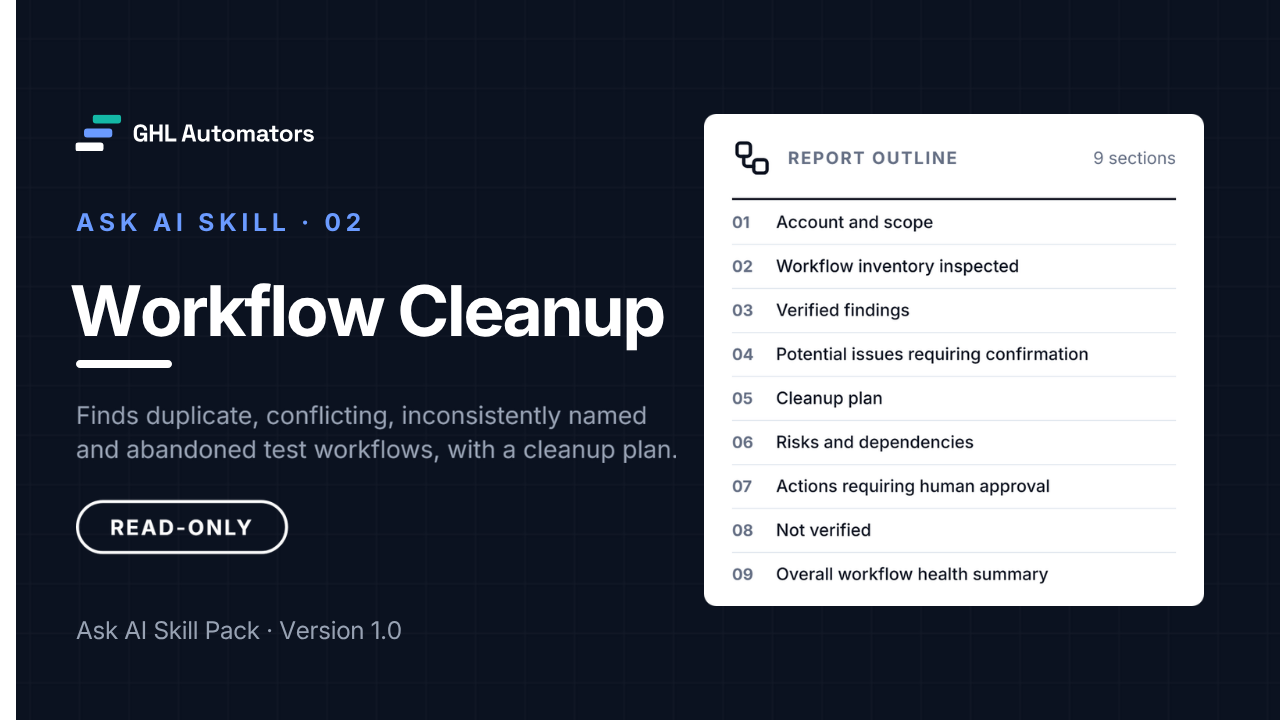
The report has nine sections:
- 01Account and scope
- 02Workflow inventory inspected
- 03Verified findings
- 04Potential issues requiring confirmation
- 05Cleanup plan
- 06Risks and dependencies, with a safe order of work
- 07Actions requiring human approval
- 08Not verified
- 09Overall workflow health summary
Each row in the cleanup plan gets exactly one recommended action, plus a priority, a risk level and the checks to make first. It never says simply "delete":
- Keep as is
- Rename
- Move to folder
- Review and confirm
- Consolidate (candidate)
- Fix reference
- Archive or delete (candidate, after confirmation)
- Investigate dependency first
There's no numeric score. Each workflow gets a dependency status: verified, partly verified or not verified.
How it works with Ask AI
- 01
Install it once
In Ask AI, open Customize, then Skills, choose Write skill instructions and paste the skill's name, description and instructions. It takes about five minutes and changes nothing in your account's data.
- 02
Run it from a new chat
Start a new Ask AI chat, type / and choose the skill, then add your request and press Enter once. Let it finish.
- 03
Review the report
Read the structured report. Every change it recommends needs your approval and is made by a person, never by the skill.
/Workflow Cleanup Review only the workflows in the folder "Your Folder Name".
A review usually takes 5–25 minutes. In larger accounts, review one folder at a time.
Read-only by design
Read-only by design
The skills never edit, publish, delete, book, schedule or send anything. If Ask AI offers to make a change during a run, decline it.
Verified, not guessed
Counts come from retrieved records. Anything a skill couldn't read is labelled not returned or not verified, never reported as missing.
Client-ready reports
Reports use neutral wording, don't name the software platform or GHL Automators, and quote your account's own names exactly. Review each report before sharing it.
- Edit, rename, move, duplicate, publish, unpublish, disable or delete any workflow
- Enroll contacts into a workflow, remove them from one, or test-fire a workflow
- Change contacts, tags, fields, pipelines, forms, calendars, AI agents or settings
- Send emails, SMS or other messages
- Look at other sub-accounts
What you receive
In the download
- The skill file, ready to paste into Ask AI
- Installation guide
- User guide with sample requests
- Limitations and known issues
- Release notes with checksums
- Licence
In the Client Portal
The skill package as a ZIP, with checksums.
The installation guide, readable online.
The user guide and sample requests.
Limitations and known issues.
Release notes and version details.
Delivery
After purchase, you sign in to the GHL Automators Client Portal, where each skill you own has its own course with the download and every guide.
Requirements
- A HighLevel plan that includes Ask AI, with Ask AI enabled for your user in the sub-account
- Access to Ask AI, then Customize, then Skills, in each sub-account where you'll use the skill
- One install per sub-account, per user. Skills are personal to the user who creates them
- Running Ask AI may use Ask AI usage on your HighLevel plan. The skill doesn't control or report on usage
Limitations to know
- Dependency checks are often partial, because forms and calendars often don't show which workflows they start.
- A Draft workflow, or one with no recent enrollments, is not automatically unused. Confirm the prerequisites before archiving or deleting anything.
- It doesn't reliably report the error indicators shown in the workflow builder. Check the builder too.
Validated in October 2026 with read-only reviews on two different sub-accounts, covering targeted workflows, a folder review and a whole-account review.
The complete limitations and known issues come with the skill.
Pricing
After purchase, you sign in to the GHL Automators Client Portal, where each skill you own has its own course with the download and every guide.
Checkout opens soon.
- Single-agency licence
- Install in any sub-account your agency manages
- Minor version updates included
- Installation guide, user guide and limitations
- Self-service support
Licence and support
- A single-agency, internal-use licence for the agency that buys it.
- Install and run it in any sub-account your agency manages, for any of your agency's users.
- Reports the skill produces in your accounts are yours to use and to share with your clients.
- Minor version updates are included, for example 1.3 to 1.4. A new major version may be sold separately.
- No resale, redistribution or repackaging of the skill files or documentation.
- Self-service installation.
- Written documentation and troubleshooting instructions: installation guide, user guide and limitations.
- No done-for-you installation, configuration or consulting.
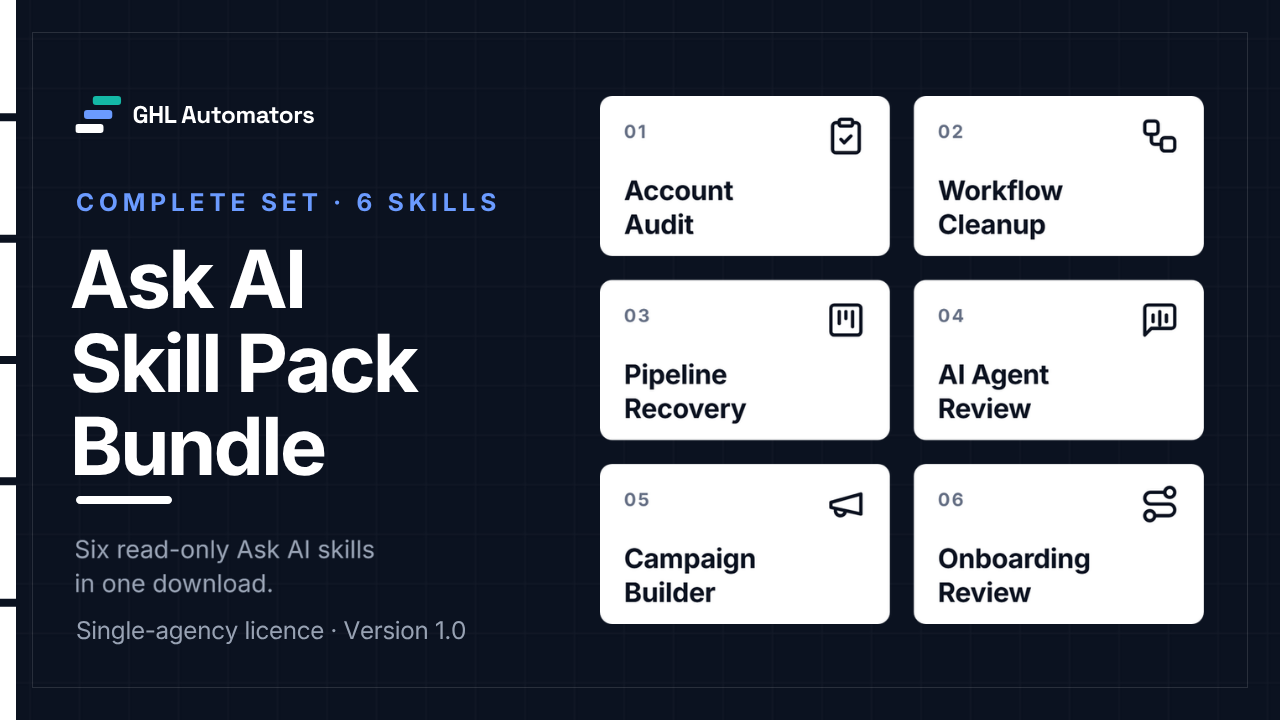
Get all six for $67
$162 if bought separately. The bundle saves $95.
View the bundleMore Ask AI skills
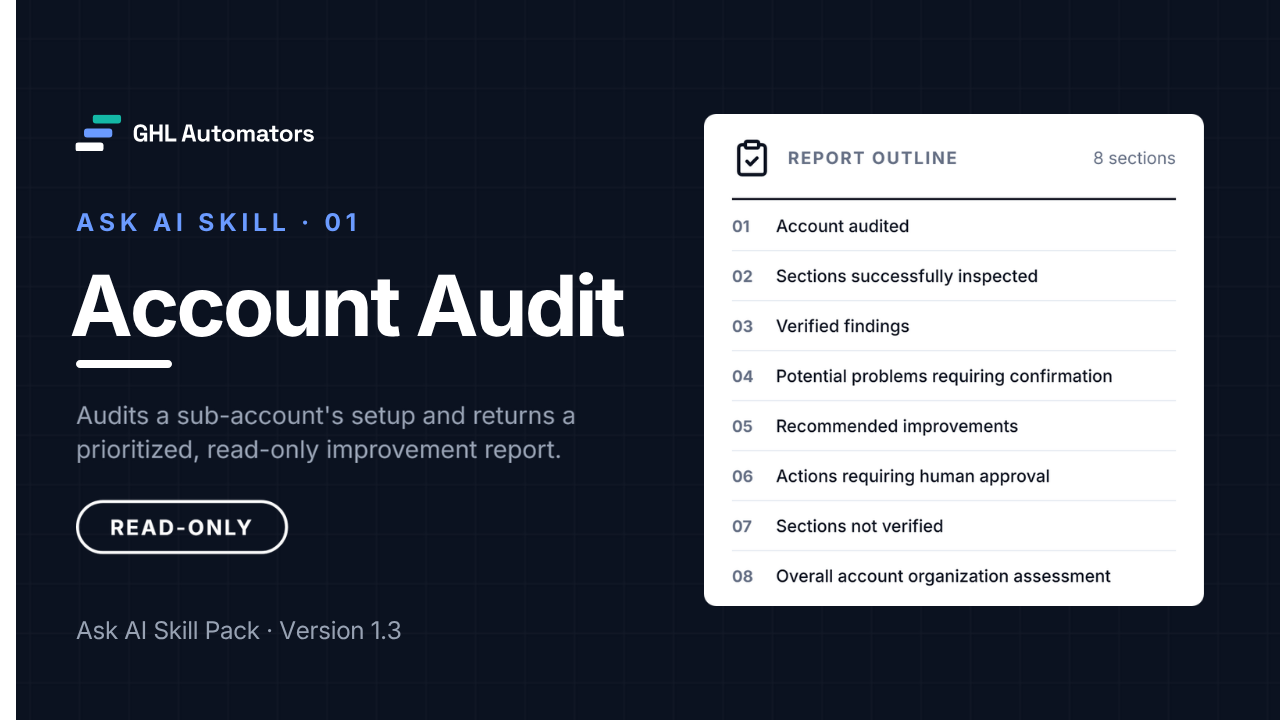
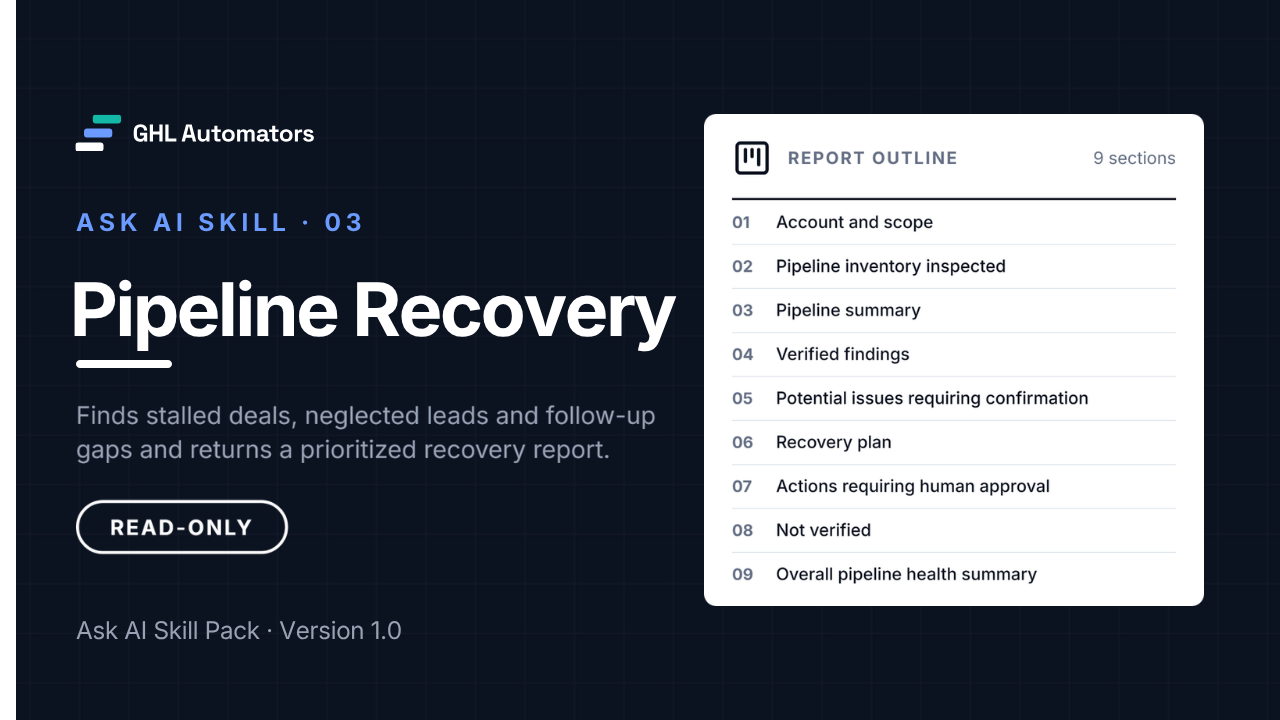
Pipeline Recovery
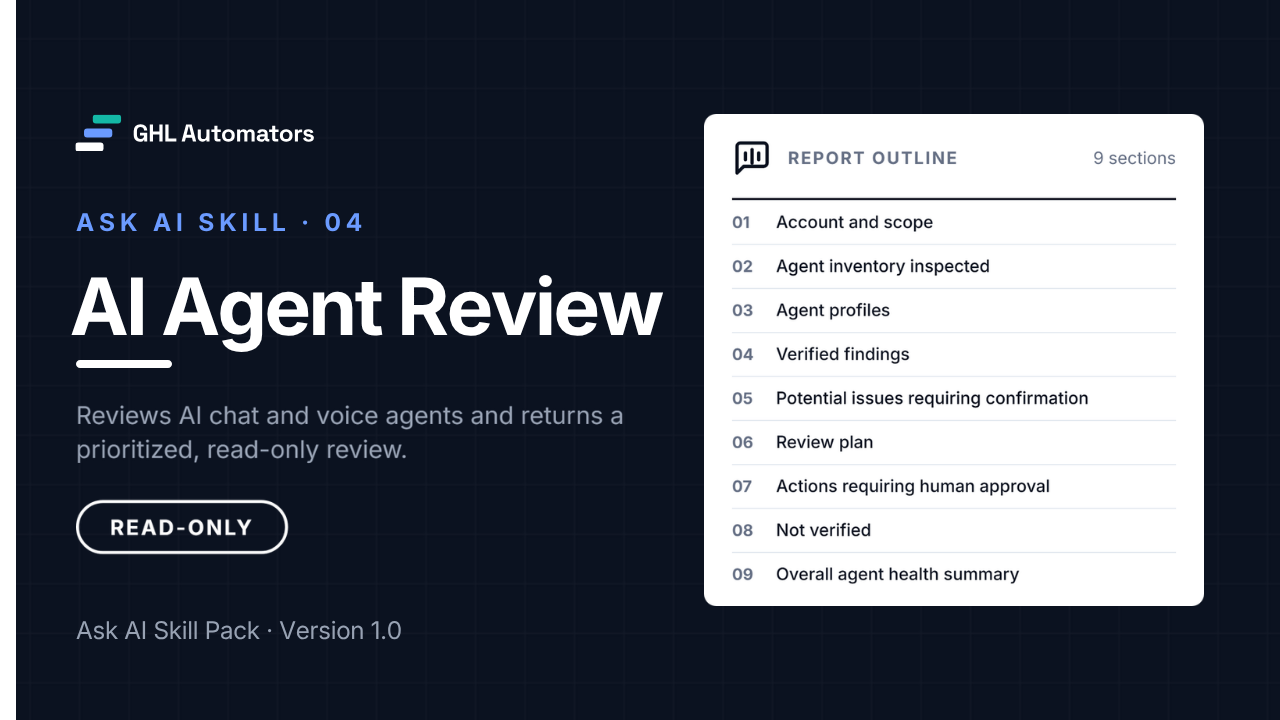
A read-only recovery report for stalled deals and neglected leads.
Campaign Builder
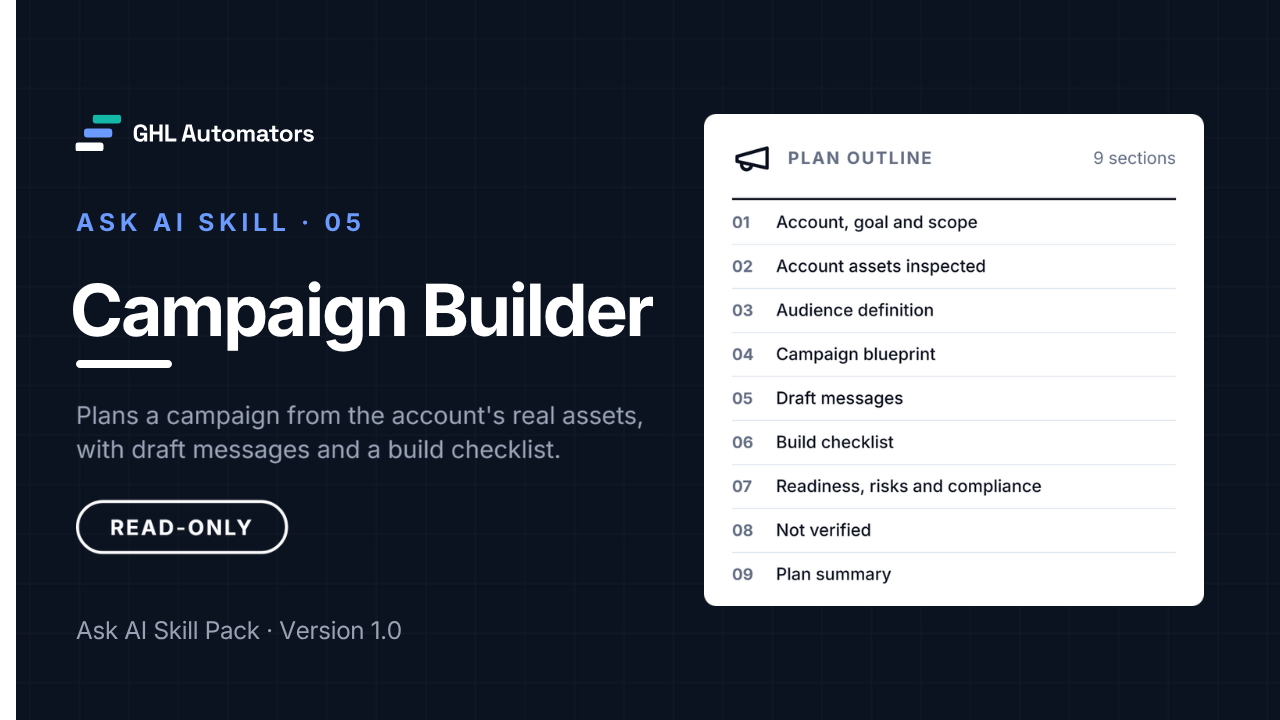
A read-only campaign plan built from what's already in the account.
Onboarding Review
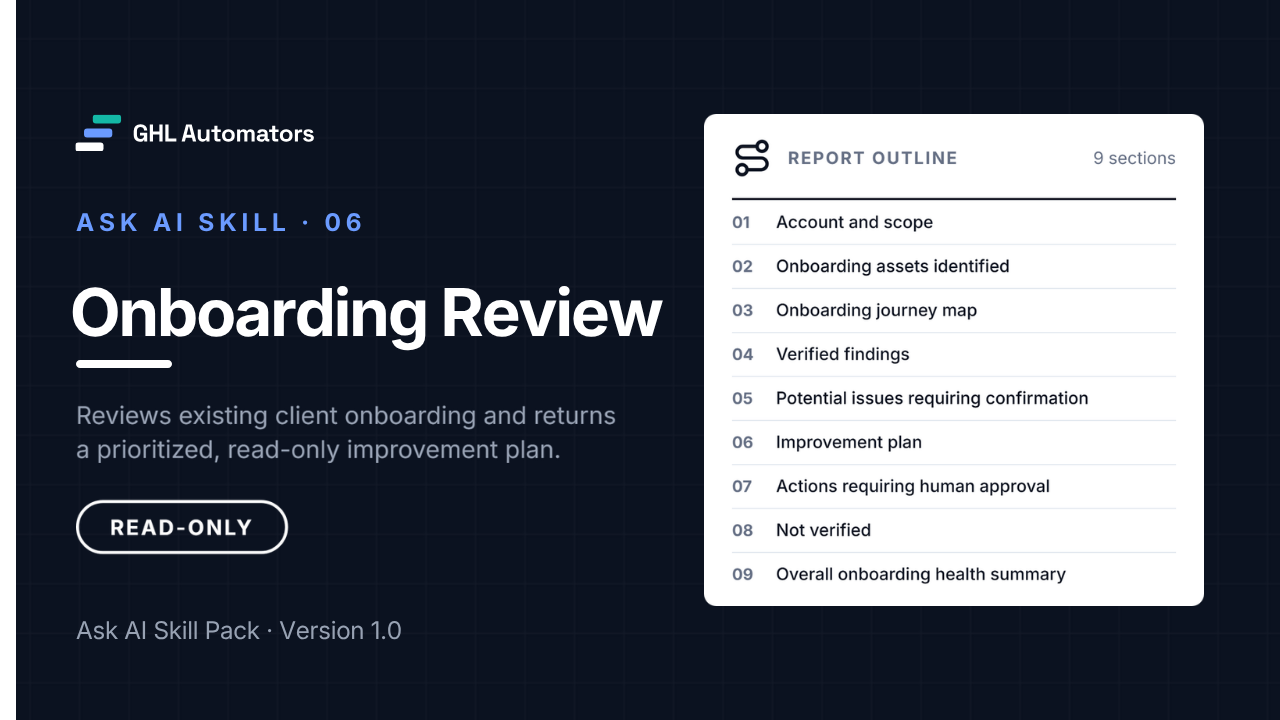
A read-only review of how a sub-account onboards new clients.