Pipeline Recovery
See which opportunities are stuck, which leads have no next step, and what a person should do next.
A read-only skill for the Ask AI assistant in HighLevel™.
Pipeline Recovery reviews every opportunity in scope (stage, status, value, owner and dates, plus tasks, appointments and message dates where available) and returns a prioritized recovery plan.
The problem
Opportunities stall quietly: no stage change for weeks, no owner, an overdue task, a lost deal with a value nobody revisited.
Pipeline boards show where deals sit. They don't add up what's stuck, why, or what to do next.
What it checks
It reviews the sales pipelines in the sub-account (all of them, or the one you name):
- Every opportunity's stage, status, value, owner and dates
- Open tasks, upcoming appointments and message dates for the linked contact, where available
- A per-stage summary: open opportunities, recorded value and how many are stalled
- Stalled means no stage change for 30 days or more by default. You can set your own threshold in the request
What it finds
Open, with no stage change for 30+ days, measured from the stage-change date only.
Open with no owner, or with no task, appointment or message in the threshold when that data is available.
Overdue tasks on open opportunities, and open opportunities with no next step.
Lost or abandoned opportunities with a value from the last 180 days, and stalled open opportunities with a value.
Missing or zero values, missing lost reasons, duplicate open opportunities for one contact, test or sample names.
What you get: the report
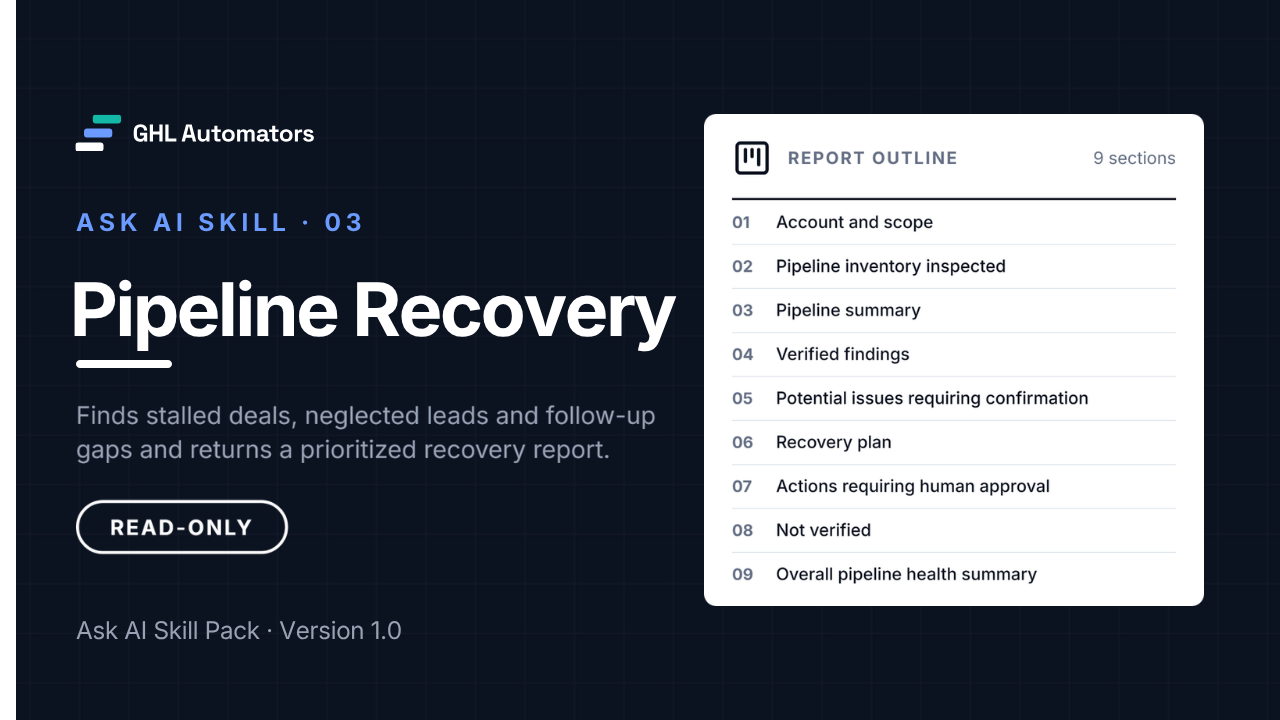
The report has nine sections:
- 01Account and scope, with the as-of date used for every day count
- 02Pipeline inventory inspected
- 03Pipeline summary by stage
- 04Verified findings
- 05Potential issues requiring confirmation
- 06Recovery plan
- 07Actions requiring human approval
- 08Not verified
- 09Overall pipeline health summary
Each row in the recovery plan gets exactly one recommended action, a priority and the checks to make first:
- Follow up manually
- Assign an owner
- Create a follow-up task
- Review stage or status
- Add missing value or lost reason
- Close or merge duplicate (candidate, after confirmation)
- Candidate for a re-contact campaign (consent check first)
- No action needed
Value at risk is the total recorded value of stalled open opportunities. It's never an estimate or a forecast, and there's no score.
How it works with Ask AI
- 01
Install it once
In Ask AI, open Customize, then Skills, choose Write skill instructions and paste the skill's name, description and instructions. It takes about five minutes and changes nothing in your account's data.
- 02
Run it from a new chat
Start a new Ask AI chat, type / and choose the skill, then add your request and press Enter once. Let it finish.
- 03
Review the report
Read the structured report. Every change it recommends needs your approval and is made by a person, never by the skill.
/Pipeline Recovery Review all the sales pipelines in this account.
A review usually takes 5–20 minutes. For large accounts, review one pipeline at a time.
Read-only by design
Read-only by design
The skills never edit, publish, delete, book, schedule or send anything. If Ask AI offers to make a change during a run, decline it.
Verified, not guessed
Counts come from retrieved records. Anything a skill couldn't read is labelled not returned or not verified, never reported as missing.
Client-ready reports
Reports use neutral wording, don't name the software platform or GHL Automators, and quote your account's own names exactly. Review each report before sharing it.
- Contact leads or customers, or draft any message, call script, sequence or campaign
- Create, edit, move, assign, close, merge or delete opportunities, contacts, tasks, appointments or tags
- Enroll anyone in a workflow
- Forecast revenue, score leads or rank team members
- Show email addresses, phone numbers or message content in the report
What you receive
In the download
- The skill file, ready to paste into Ask AI
- Installation guide
- User guide with sample requests
- Limitations and known issues
- Release notes with checksums
- Licence
In the Client Portal
The skill package as a ZIP, with checksums.
The installation guide, readable online.
The user guide and sample requests.
Limitations and known issues.
Release notes and version details.
Delivery
After purchase, you sign in to the GHL Automators Client Portal, where each skill you own has its own course with the download and every guide.
Requirements
- A HighLevel plan that includes Ask AI, with Ask AI enabled for your user in the sub-account
- Access to Ask AI, then Customize, then Skills, in each sub-account where you'll use the skill
- One install per sub-account, per user. Skills are personal to the user who creates them
- Running Ask AI may use Ask AI usage on your HighLevel plan. The skill doesn't control or report on usage
Limitations to know
- "Stalled" uses the stage-change date only.
- Follow-up signals such as tasks, appointments and message dates depend on what data is available to Ask AI.
- Always confirm consent and Do Not Disturb status before any outreach. A re-contact label is a planning label, not an instruction to send.
Validated in October 2026 with read-only reviews on two different sub-accounts: one with no stalled deals, and one with long-stalled deals and overdue tasks.
The complete limitations and known issues come with the skill.
Pricing
After purchase, you sign in to the GHL Automators Client Portal, where each skill you own has its own course with the download and every guide.
Checkout opens soon.
- Single-agency licence
- Install in any sub-account your agency manages
- Minor version updates included
- Installation guide, user guide and limitations
- Self-service support
Licence and support
- A single-agency, internal-use licence for the agency that buys it.
- Install and run it in any sub-account your agency manages, for any of your agency's users.
- Reports the skill produces in your accounts are yours to use and to share with your clients.
- Minor version updates are included, for example 1.3 to 1.4. A new major version may be sold separately.
- No resale, redistribution or repackaging of the skill files or documentation.
- Self-service installation.
- Written documentation and troubleshooting instructions: installation guide, user guide and limitations.
- No done-for-you installation, configuration or consulting.
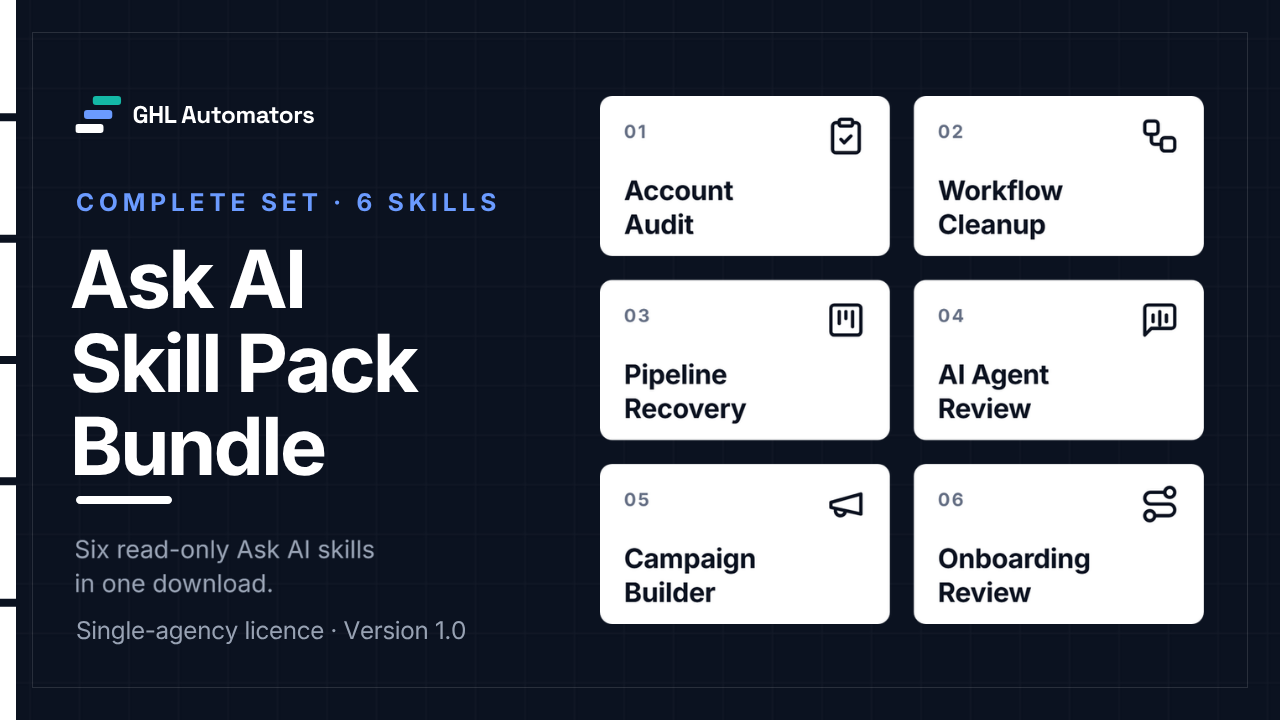
Get all six for $67
$162 if bought separately. The bundle saves $95.
View the bundleMore Ask AI skills
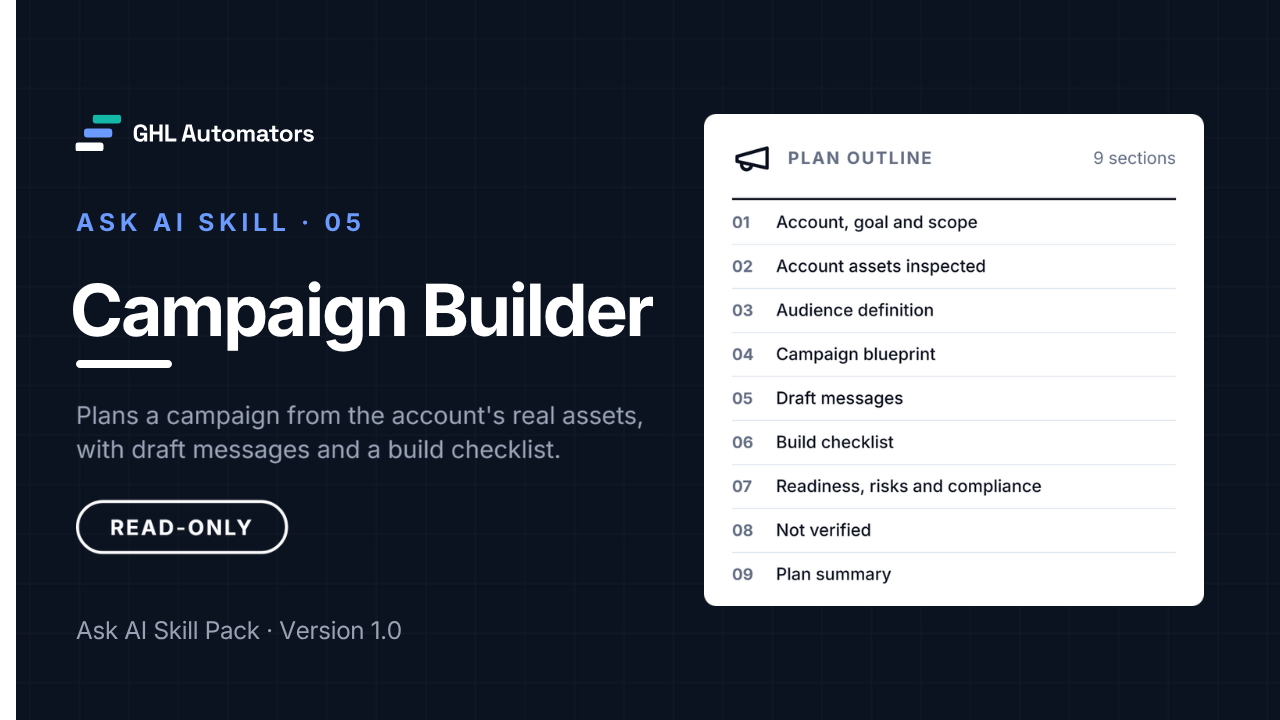
Campaign Builder
A read-only campaign plan built from what's already in the account.
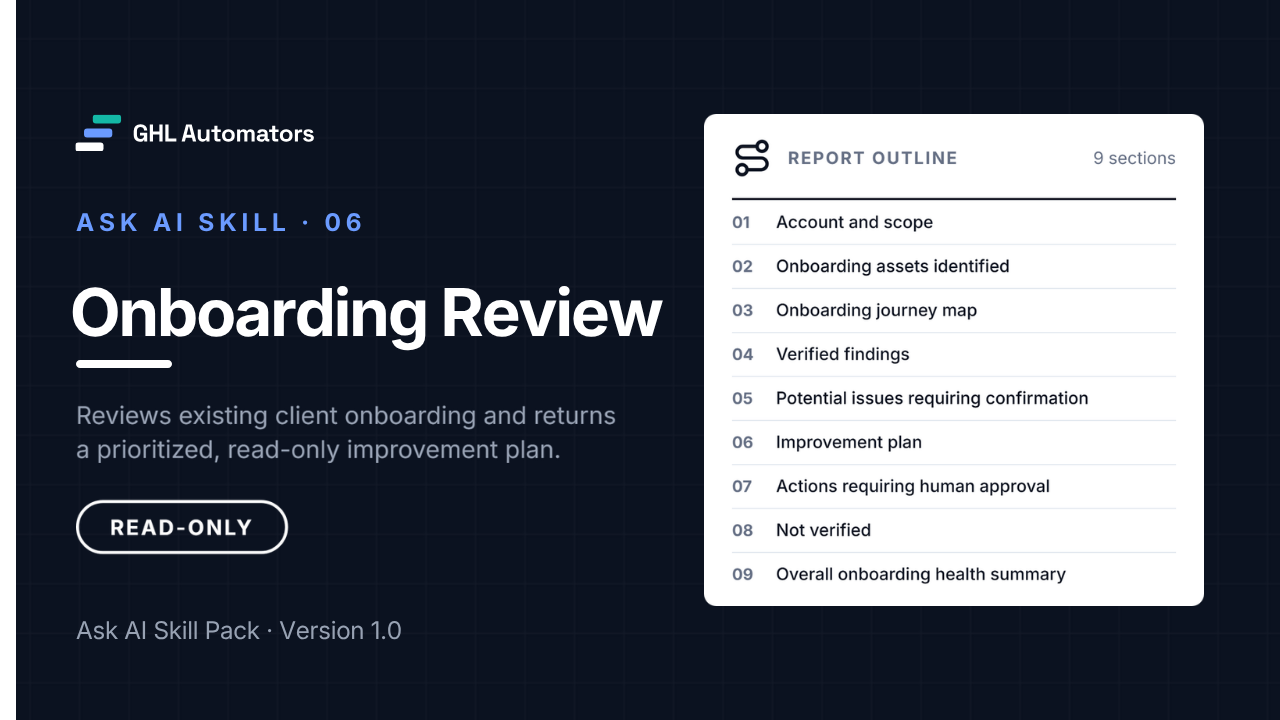
Onboarding Review
A read-only review of how a sub-account onboards new clients.