Campaign Builder
Turn a campaign goal into an audience, a step-by-step blueprint, draft messages and a build checklist.
A read-only skill for the Ask AI assistant in HighLevel™.
Campaign Builder reads the account's existing tags, stages, fields, custom values, forms, calendars and workflows, then plans the campaign around them. A person builds and launches it.
The problem
Planning a campaign means checking which tags, stages, calendars, custom values and workflows already exist before you build anything.
Skip that check and you get a second workflow on the same trigger, merge fields that print setup text, and an audience nobody counted.
What it checks
It uses what the account already has:
- Tags, pipelines and stages
- Custom fields and custom values
- Forms and calendars
- Existing workflows and their triggers
- Email and SMS readiness, as far as it can be read
What the plan gives you
Entry criteria and exclusions in the account's exact names, with a size from returned counts. An audience of 0 is reported as 0.
Goal, entry and exit rules, a success measure and a step table with timing, channel and stop conditions.
Email and SMS drafts labelled DRAFT, using only real merge fields, with [fill-ins] for facts the account doesn't hold.
An ordered list, each item labelled Review overlap first, Reuse existing or Create new.
Blockers, recommended and optional items, plus a short advisory compliance checklist.
What you get: the report
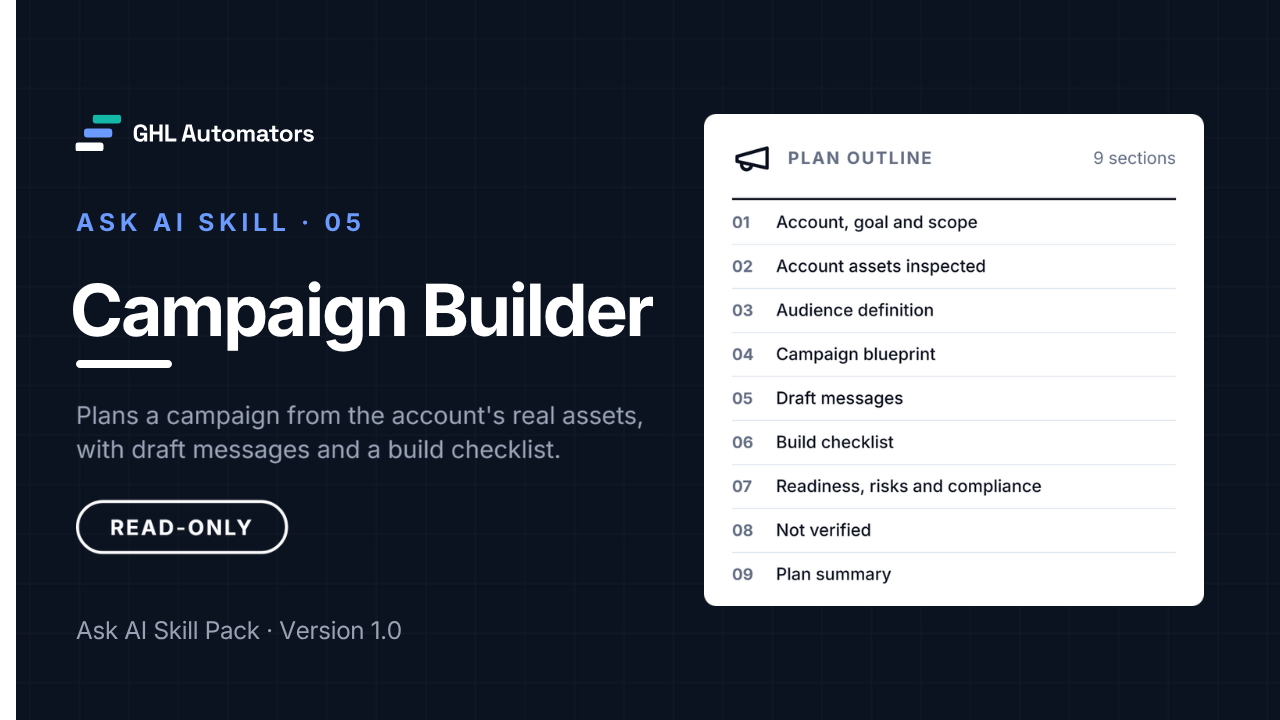
The plan has nine sections:
- 01Account, goal and scope
- 02Account assets inspected
- 03Audience definition
- 04Campaign blueprint
- 05Draft messages
- 06Build checklist
- 07Readiness, risks and compliance
- 08Not verified
- 09Plan summary
Every item in the build checklist gets one label:
- Review overlap first
- Reuse existing
- Create new
Anything the plan needs that doesn't exist yet is labelled new (to create). It never presents a new asset as existing.
How it works with Ask AI
- 01
Install it once
In Ask AI, open Customize, then Skills, choose Write skill instructions and paste the skill's name, description and instructions. It takes about five minutes and changes nothing in your account's data.
- 02
Run it from a new chat
Start a new Ask AI chat, type / and choose the skill, then add your request and press Enter once. Let it finish.
- 03
Review the report
Read the structured report. Every change it recommends needs your approval and is made by a person, never by the skill.
/Campaign Builder Plan a campaign to re-book consultation calls with leads who did not show up.
A plan usually takes 3–10 minutes.
Read-only by design
Read-only by design
The skills never edit, publish, delete, book, schedule or send anything. If Ask AI offers to make a change during a run, decline it.
Verified, not guessed
Counts come from retrieved records. Anything a skill couldn't read is labelled not returned or not verified, never reported as missing.
Client-ready reports
Reports use neutral wording, don't name the software platform or GHL Automators, and quote your account's own names exactly. Review each report before sharing it.
- Create, edit, publish, activate or delete workflows, templates, tags, fields, custom values, smart lists, forms or calendars
- Enroll, import or remove contacts
- Send, schedule or test-send any message
- Invent business facts such as prices, offers, hours or guarantees
- Show contact names, email addresses, phone numbers or message history
What you receive
In the download
- The skill file, ready to paste into Ask AI
- Installation guide
- User guide with sample requests
- Limitations and known issues
- Release notes with checksums
- Licence
In the Client Portal
The skill package as a ZIP, with checksums.
The installation guide, readable online.
The user guide and sample requests.
Limitations and known issues.
Release notes and version details.
Delivery
After purchase, you sign in to the GHL Automators Client Portal, where each skill you own has its own course with the download and every guide.
Requirements
- A HighLevel plan that includes Ask AI, with Ask AI enabled for your user in the sub-account
- Access to Ask AI, then Customize, then Skills, in each sub-account where you'll use the skill
- One install per sub-account, per user. Skills are personal to the user who creates them
- Running Ask AI may use Ask AI usage on your HighLevel plan. The skill doesn't control or report on usage
Limitations to know
- Its compliance checklist is advisory, not legal advice. You're responsible for consent, Do Not Disturb, opt-outs, SMS sending requirements and timing rules.
- Drafts are starting points. Fill in every [fill-in] and edit each message before use.
- Email drafts may not include an unsubscribe line. Add a working unsubscribe option to every marketing email before sending.
Validated in October 2026 with read-only runs on two different sub-accounts, checked against independently collected account data.
The complete limitations and known issues come with the skill.
Pricing
After purchase, you sign in to the GHL Automators Client Portal, where each skill you own has its own course with the download and every guide.
Checkout opens soon.
- Single-agency licence
- Install in any sub-account your agency manages
- Minor version updates included
- Installation guide, user guide and limitations
- Self-service support
Licence and support
- A single-agency, internal-use licence for the agency that buys it.
- Install and run it in any sub-account your agency manages, for any of your agency's users.
- Reports the skill produces in your accounts are yours to use and to share with your clients.
- Minor version updates are included, for example 1.3 to 1.4. A new major version may be sold separately.
- No resale, redistribution or repackaging of the skill files or documentation.
- Self-service installation.
- Written documentation and troubleshooting instructions: installation guide, user guide and limitations.
- No done-for-you installation, configuration or consulting.
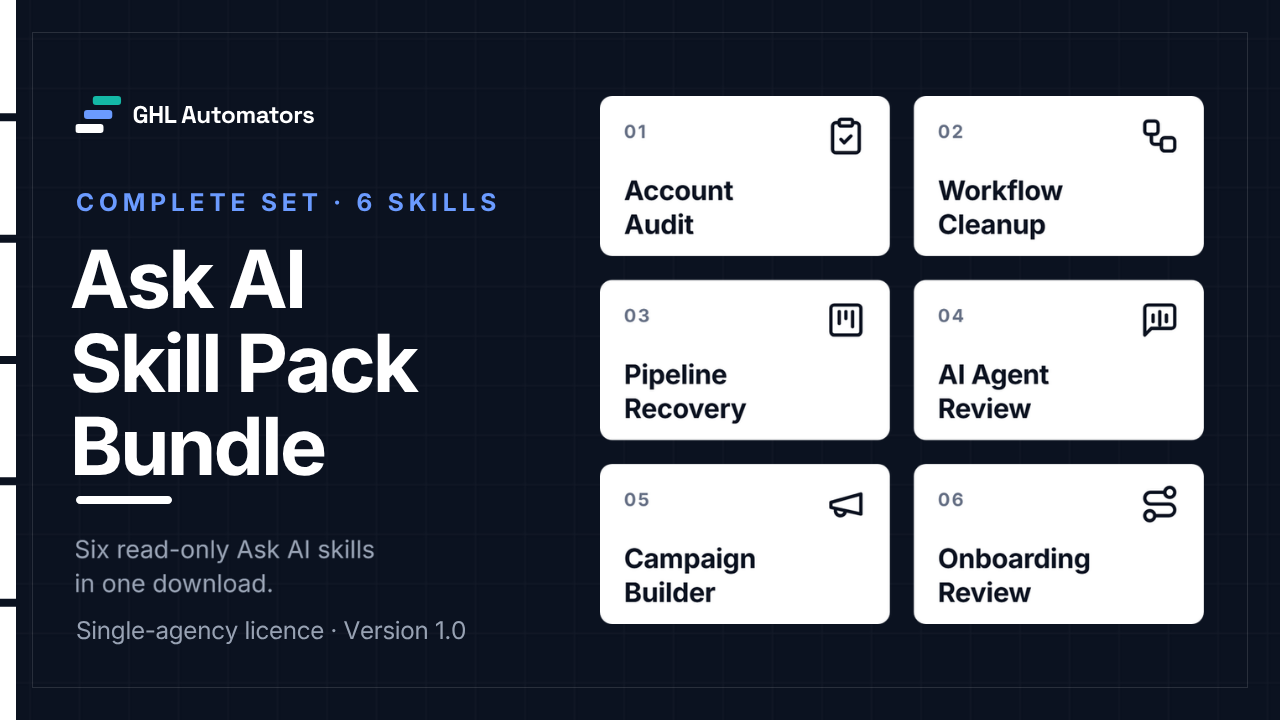
Get all six for $67
$162 if bought separately. The bundle saves $95.
View the bundleMore Ask AI skills
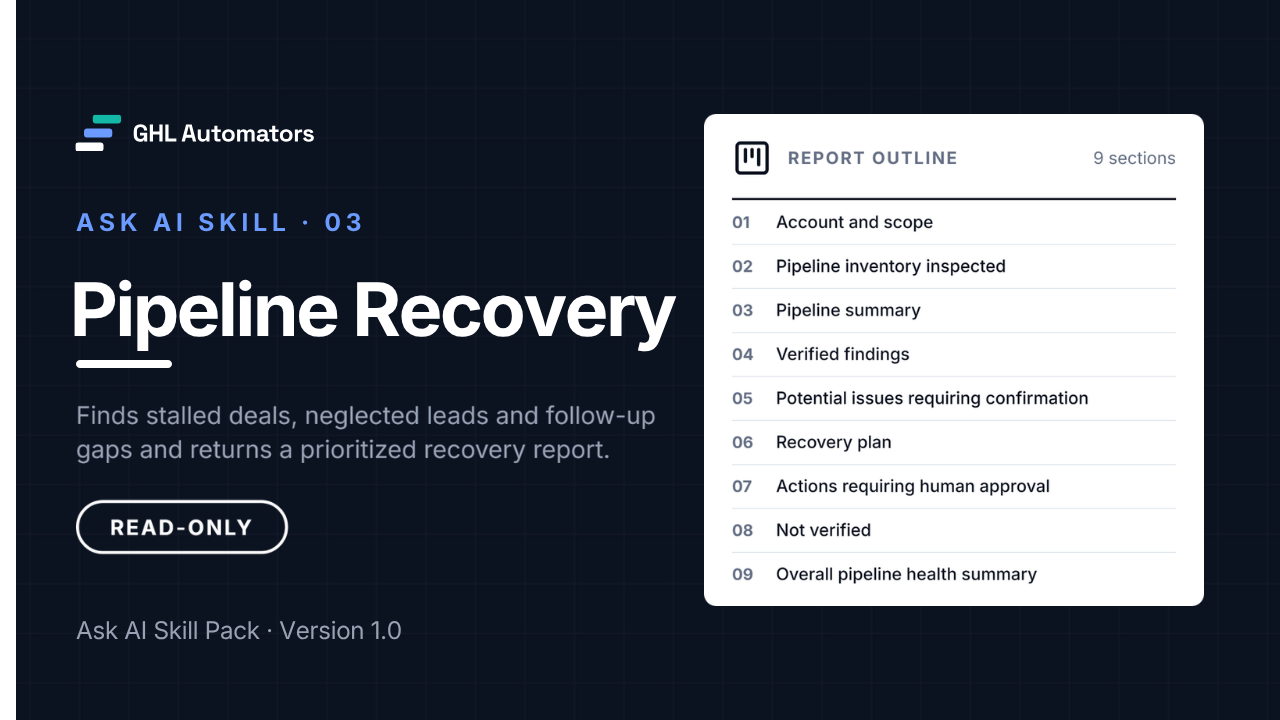
Pipeline Recovery
A read-only recovery report for stalled deals and neglected leads.
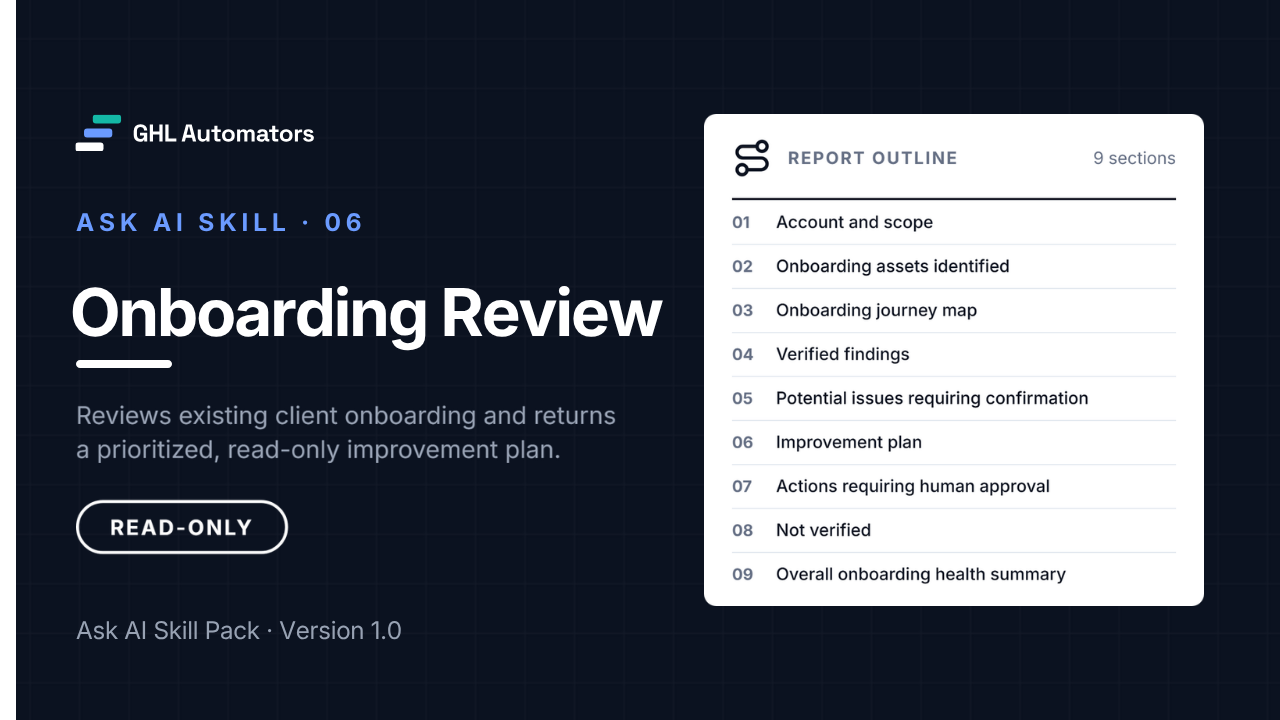
Onboarding Review
A read-only review of how a sub-account onboards new clients.